Making Life Easier, System Administrator Style
I had an old laptop lying around that I decided to use as a home server. I’ve even tried using it as a Minecraft server and media storage using Immich. All of that is great, but to configure anything, you need access to the laptop, and sometimes it’s really inconvenient to get to it without accidentally unplugging a cable...
Then I remembered those cool acronyms: SSH and RDP
Setting up SSH was a nightmare because of a minor issue. The system had a version of PowerShell that was too new, and it just kept asking for the password endlessly without showing any error messages. Downgrading the version helped
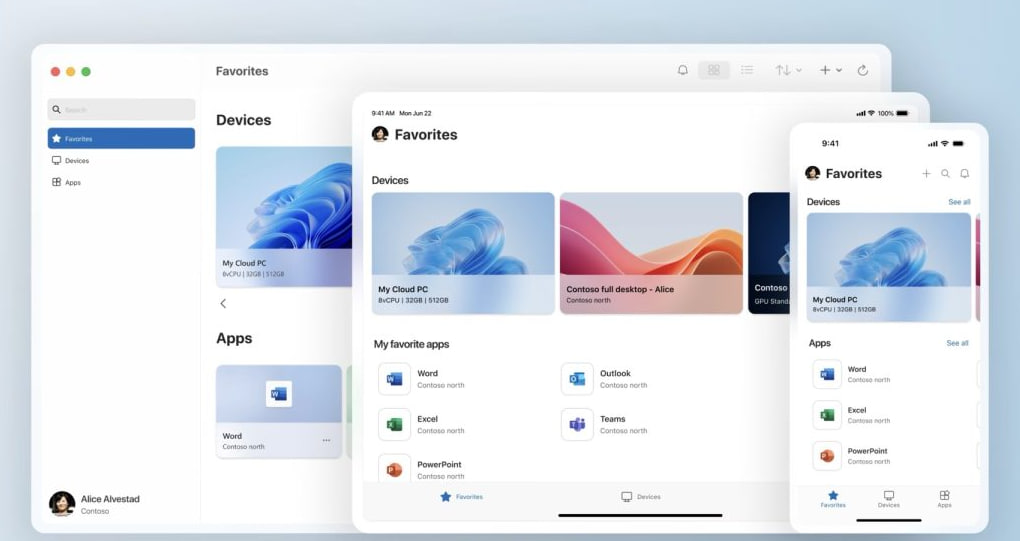
I didn’t get to RDP right away; at first, I tried VNC, which turned out to be very slow and glitchy. Later, I learned about the Windows App, which can be downloaded on any platform. On Windows, you just need to enable Remote Desktop and then connect via the Windows App using your device’s local IP address
There was one BUT
I wasn’t granted access to my account right away. To log in, you need a Microsoft account username and password, but my laptop had decided to save the old password specifically for RDP and wouldn’t let me in again. I managed to fix it by changing the account password in Windows Settings
Conclusion
I should have installed Linux...